
You clicked save on a GIF, and your device handed you an MP4 video instead. It feels like a glitch, but it is completely normal, and once you understand why, getting a real GIF becomes easy. This guide explains what is happening and how to get the exact file you want.
If you just need to save an animation right now, our free GIF Downloader handles links, pages, and video in one place. For the full explanation, read on.
The Short Answer
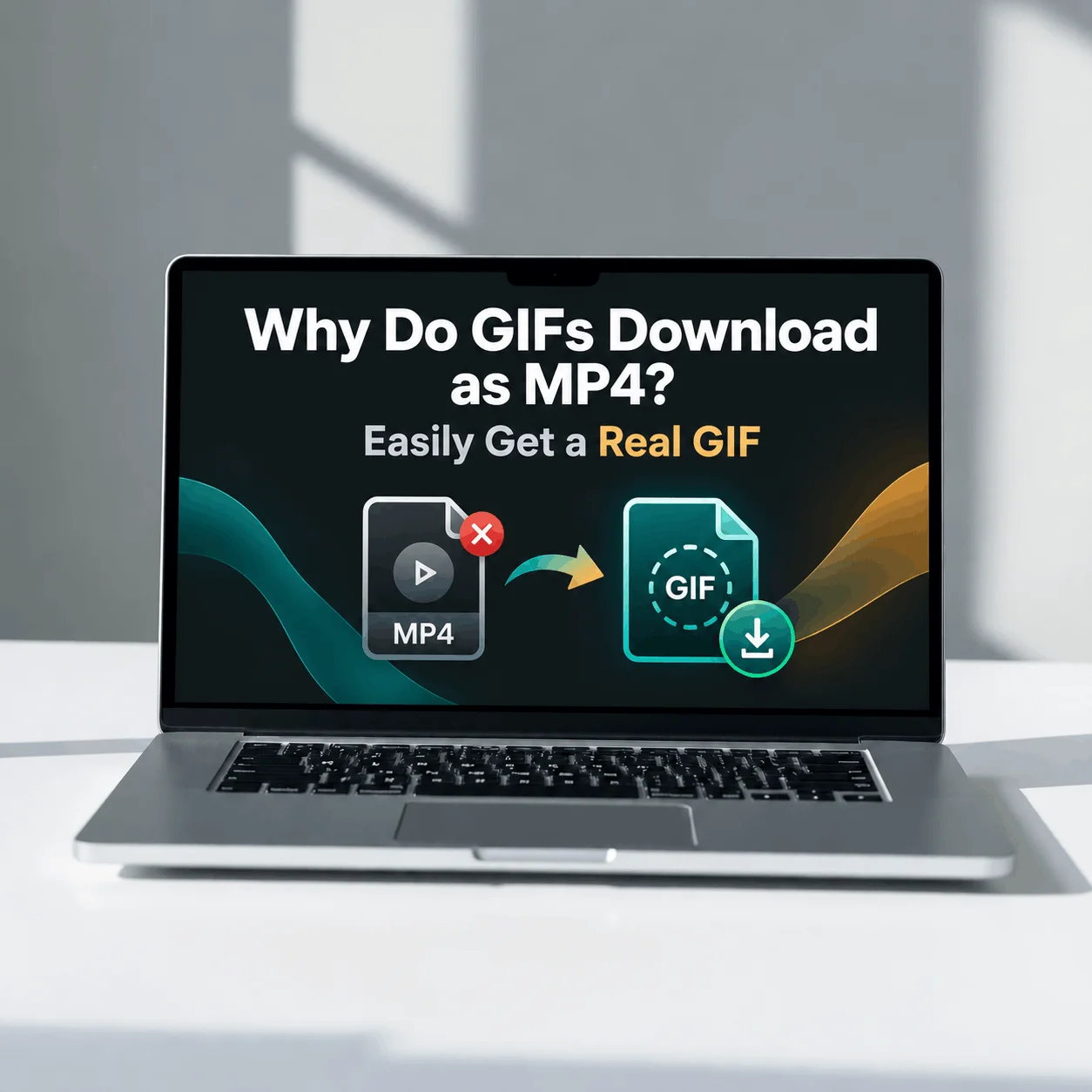
Most “GIFs” online are not GIF files anymore. Platforms store them as MP4 video because MP4 is far smaller and loads faster. So when you download one, you get the MP4 that was actually there, not a .gif.
To get a true .gif, you convert the MP4 back into a GIF, which takes a few seconds.
Why Platforms Serve GIFs as MP4
Here is the part that clears up the confusion. When you upload a GIF to a platform like Twitter, it does not keep your .gif file. It converts it into a silent, looping MP4 video behind the scenes.
Platforms do this on purpose to save bandwidth and speed up loading. Google openly recommends the same thing, advising sites to use video instead of GIF for animation because large GIFs waste users’ data. So the MP4 you download is not a mistake, it is the real file the platform chose to store.
That is also why a right-click and “Save image as” does not give you a GIF. There is no GIF sitting there to save, only a video dressed up to look like one.
Why GIFs Are Big and MP4 Is Small
The reason comes down to how each format stores motion. It helps to see them side by side.
| GIF | MP4 (H.264) | |
| Colors | 256 per frame | Millions |
| How it stores motion | Every frame as a full image | Only what changes between frames |
| Compression | Old and inefficient | Modern video codec |
| Typical size | Large | Up to 80 to 95 percent smaller |
A GIF saves each frame as a near-complete picture with only 256 colors, and it has none of the compression that video is built on. MP4 stores just the parts of the image that change from one frame to the next, so the same animation takes a fraction of the space.
In Google’s own example, a 3.7 MB GIF became a 551 KB MP4, the same clip at a small fraction of the size. That gap is exactly why platforms switched.
Which Platforms Turn GIFs Into Video
If your download keeps coming out as MP4 or WebM, the platform is almost certainly converting behind the scenes. Here are the common ones:
| Platform | What it actually serves |
| Twitter (X) | Silent looping MP4, no real .gif |
| Giphy | MP4 and WebP versions of every GIF |
| Tenor | MP4 by default when you share or save |
| Often MP4 or WebM through its own media host | |
| Only images and MP4, so animations are video |
Because of this, “the GIF downloaded as a video” is the single most common GIF complaint online. It is not you doing anything wrong.
How to Get a Real .gif File
When you genuinely need a .gif, for example for a Slack emoji, a GIF keyboard, or an older forum, you convert the MP4 into a GIF. The steps are simple:
If the animation came from a tweet, our Twitter GIF Downloader does both steps at once, saving the MP4 or converting it to a real GIF right in your browser.
One thing to expect: a converted GIF is usually larger than the MP4 it came from, since GIF is the less efficient format. If the result is too big for where you are sending it, shrink it with our GIF Compressor.
MP4 or GIF: Which Should You Actually Keep?
Most of the time, the MP4 is the better file, and you do not need to convert at all. Here is a quick way to decide:
| Your goal | Best file |
| Save, watch, or re-share the animation | MP4 |
| Post on social media or messaging apps | MP4 |
| Use in a Slack emoji or GIF keyboard | Real GIF |
| Upload where only .gif is accepted | Real GIF |
The old reason people insisted on GIFs, that video does not autoplay, is no longer true. Slack, X, Discord, iMessage, and many other apps now autoplay short MP4s exactly like GIFs, with better quality and smaller size. So keep the MP4 unless something specifically demands a .gif.
Why Your GIF Still Will Not Animate
Sometimes you get a .gif but it shows as a single frozen image. A few things cause this:
Renaming a video to end in .gif does not turn it into a GIF. Only a real conversion does.